Using Walr’s “No Code” solution, our highly customisable custom questions allow you to modify them without needing to understand any coding or programming. Everything is presented through options in our “Visualisation”, allowing you to adjust the question to get exactly the format you need.
What is it?
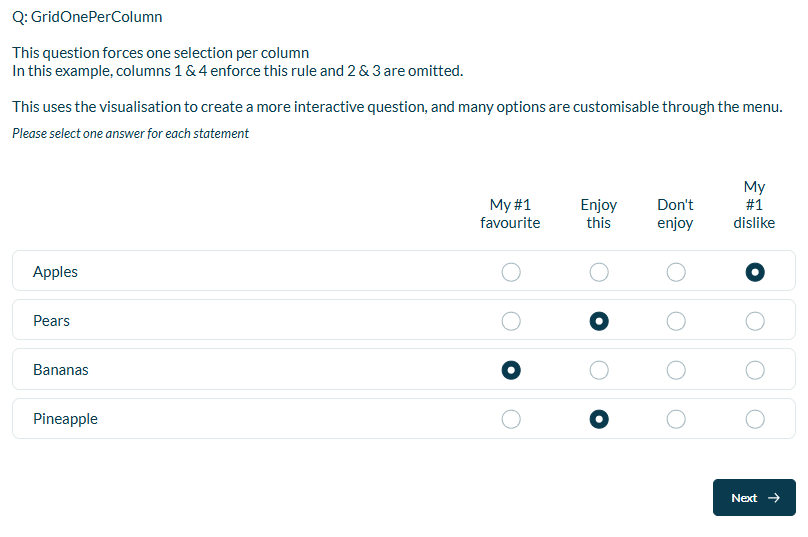
Uses a grid question to allow only a single value to be selected in a column.
When to use it?
If you have a column that is “my favourite”, which can only have one selection in total.
What languages are supported?
All Survey Builder languages.
Can I test it?
Survey link: https://survey.walr.com/pXAMk7?qq=16
Data
The underlying question type for this question is standard single select grid.

In our Analysis & reporting tool:

Example:
Setup:
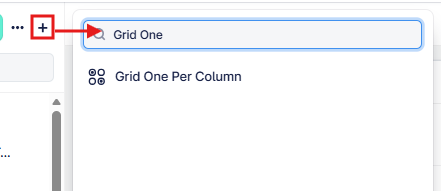
The Grid One Per Column can be found in the “Add New Element” section as shown.
Here is an example of how to set up the question.
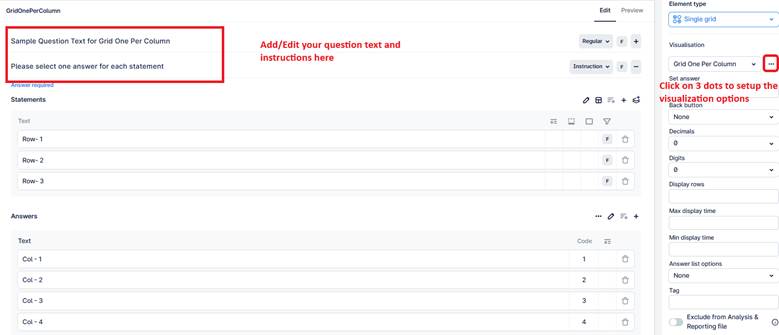
This question applies a One Per Column rule to a grid question, ensuring that only one response can be selected within each column (across all rows). Please note that all the rows require an answer, you just won't be able to select the same column across multiple rows.
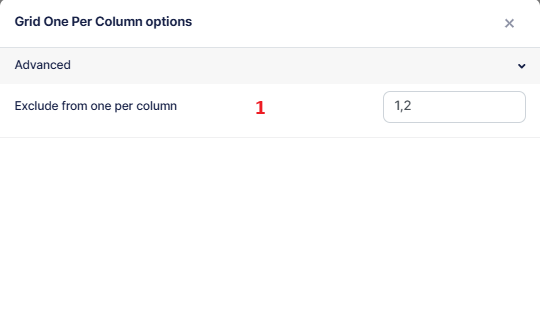
- Defines which columns should be excluded from the one-per-column restriction.
- Enter column numbers separated by commas (for example: 1,2,5).
Columns listed here will allow multiple selections, while all other columns will enforce a single selection per column.
Important:
- Column numbering starts from 1 (not 0).
- The rule applies across rows, meaning if a respondent selects an option in a column, any other selection in the same column will be automatically cleared(except excluded columns).