Surveys must be created within a Project.
From existing project, allows you to create a copy of any survey in your account – this will copy over everything within the survey, questions, languages, custom solutions, but will not include the data

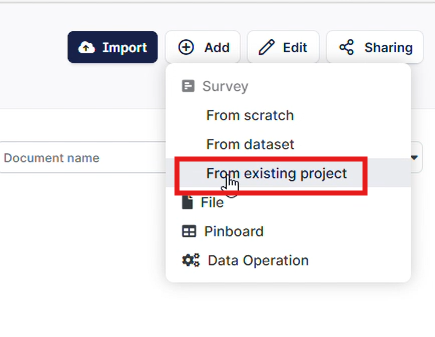
From the “Add” menu, select “From existing project”
From the drop down menu, select the project first, and then the surveys within that project:
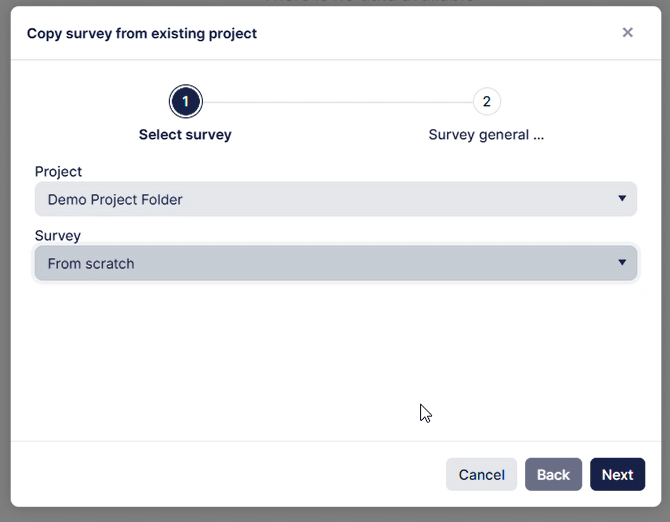
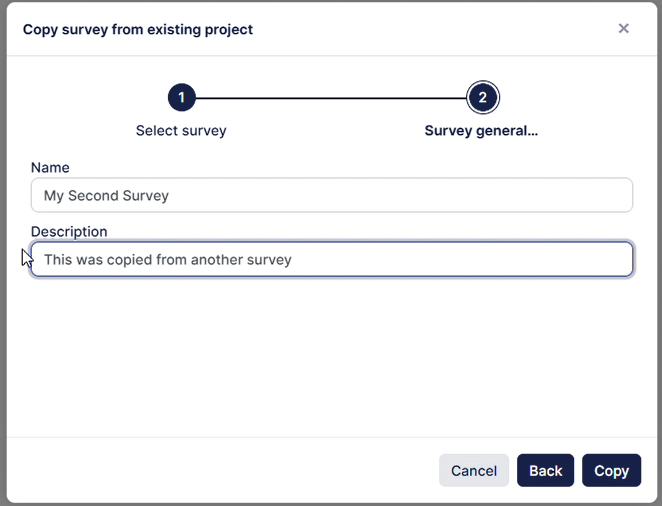
Click Next and add update the details below. Note that once you click “copy” the process will start. The options for language & theme are not available here as they will be copied from the source survey. If you need to adjust these, they can be done so once the survey is copied.
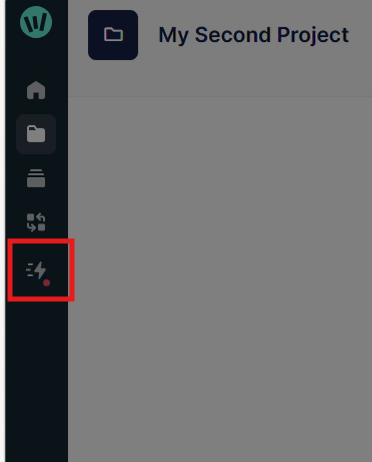
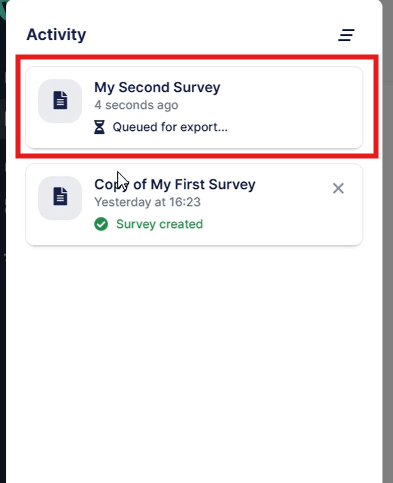
This copying process should take under 1 minute, and can be tracked from “show activity”: