Answer Control is the mechanism that controls which answers can be shown.
This is usally in the case in follow on questions, where Q1 might ask all brands aware and then Q2 may ask which is their favourite. Rather than show the full list of brands again, we only want to show the ones that were selected.
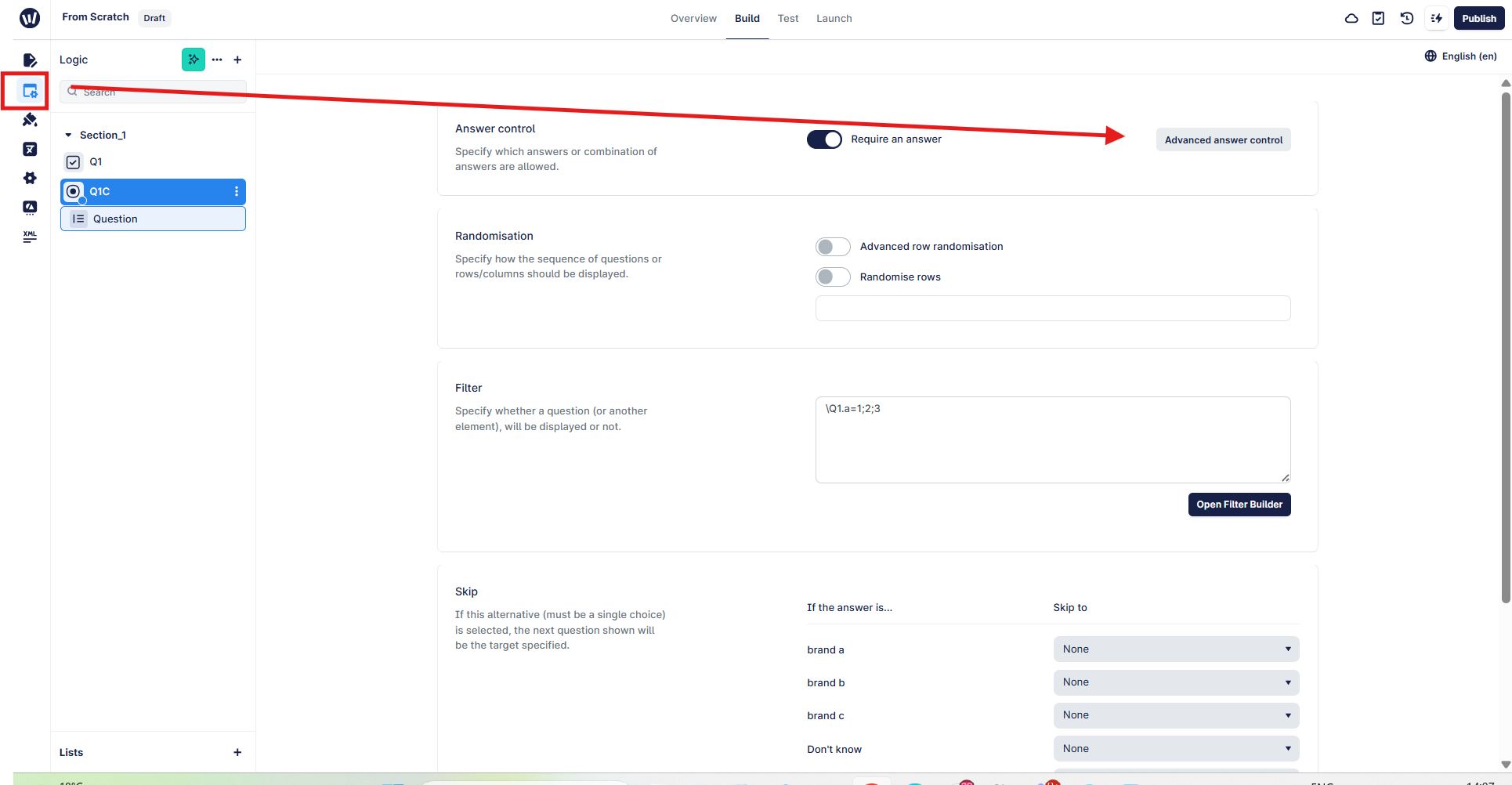
To access Answer Control, click on the logic tab. By default every question you add is mandatory, which is managed by the "Require an answer" toggle.
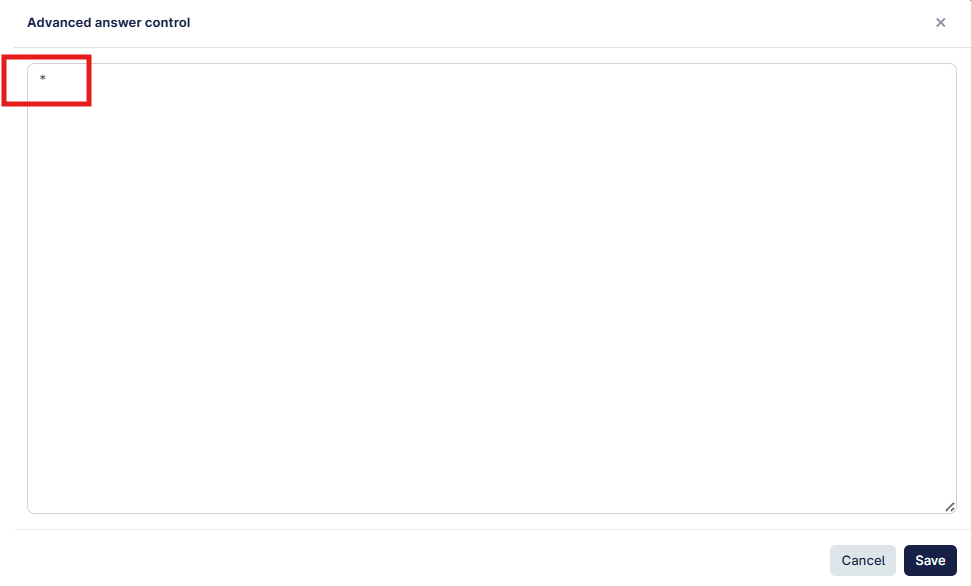
By default Answer Control will contain a single *, which donates that all the answers on the question will be shown:
For more detailed information, you can review this artcile on Survey Builder Syntax.
For a simple example you could:
Show only specific codes by entering their "code" value from the the quesion e.g.
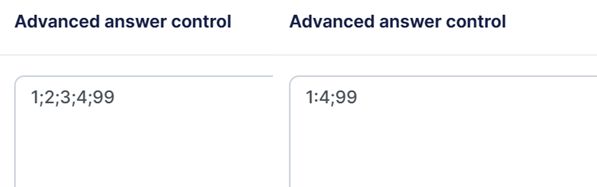
1;2;3;4;99 [this uses the semi-colon to individually mention each code, in any sequence]
1:4;99 [this uses semi-colon to include code 99, but also uses colon to specify a range e.g. all inclusive of 1-4]
You can also select all the answers from a previous question by adding the question label in this format [assumes Q1 and Q2 share the same answer list].
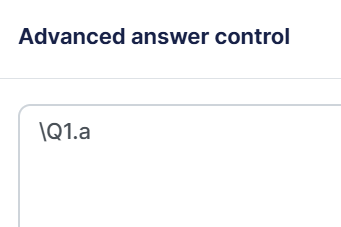
At Q2, you would add the following which would show only those selected at Q1.
\Q1.a