To access answer randomisation on a question, click the "logic" node.
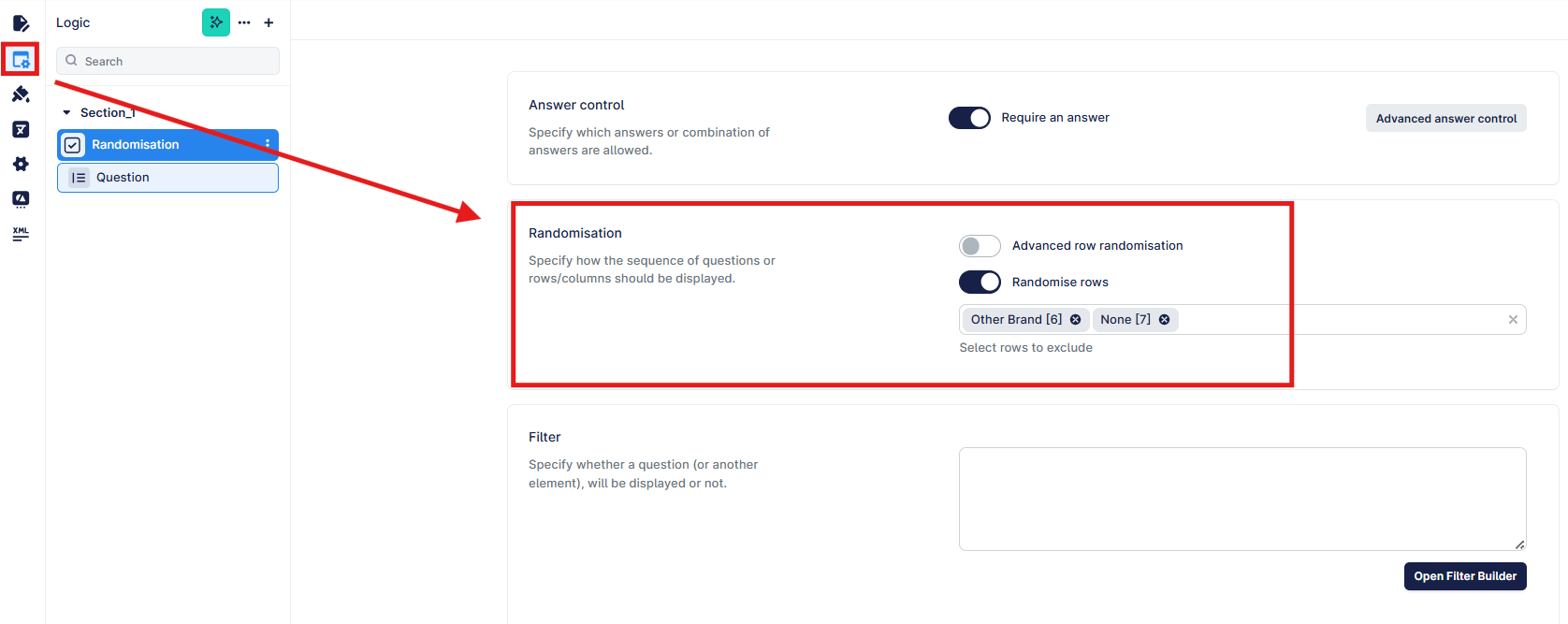
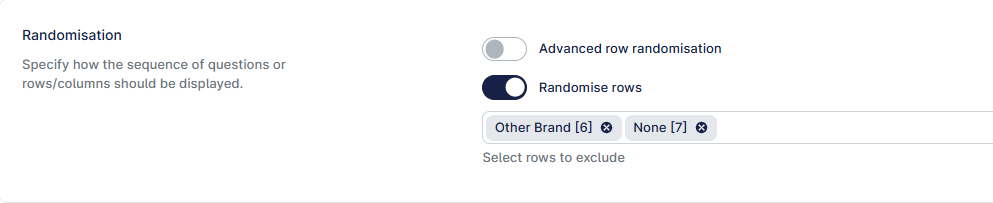
"Randomise rows" is the quick option, where you can enable the toggle and then select any rows that should be excluded from randomisation.
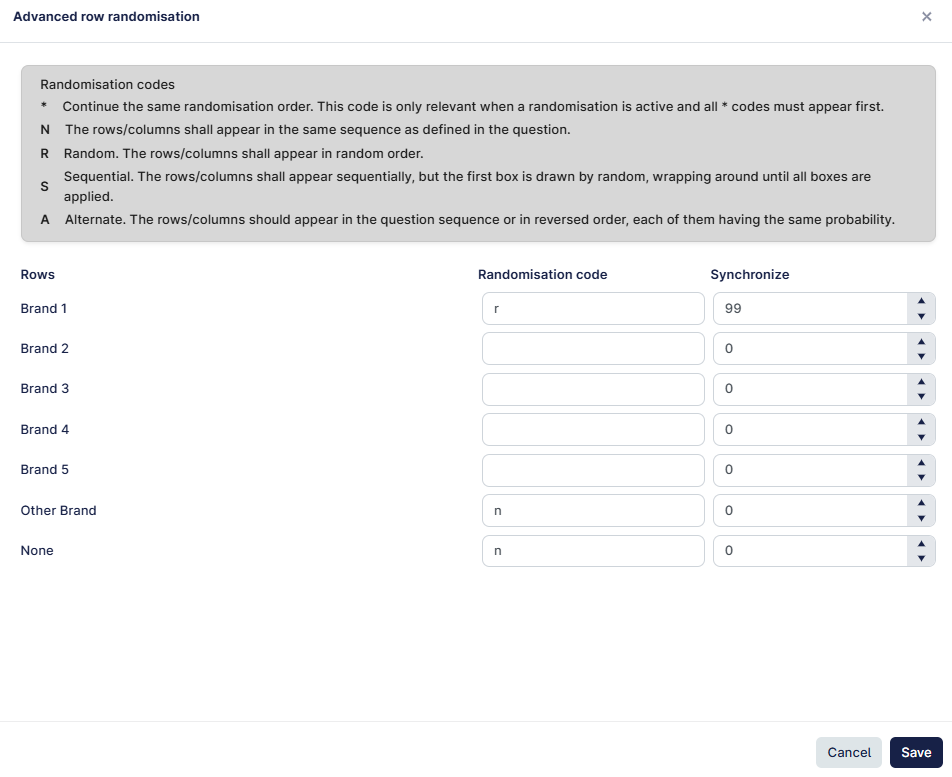
Advanced Randomisation allows you to create more complex levels.

In the example below, adding "r" to the first code begins the randomisation sequence - there is no need to add "r" ro any other brand unless you want to add another layer of randomisation.
"other brand" and "none" are fixed in position with "n".
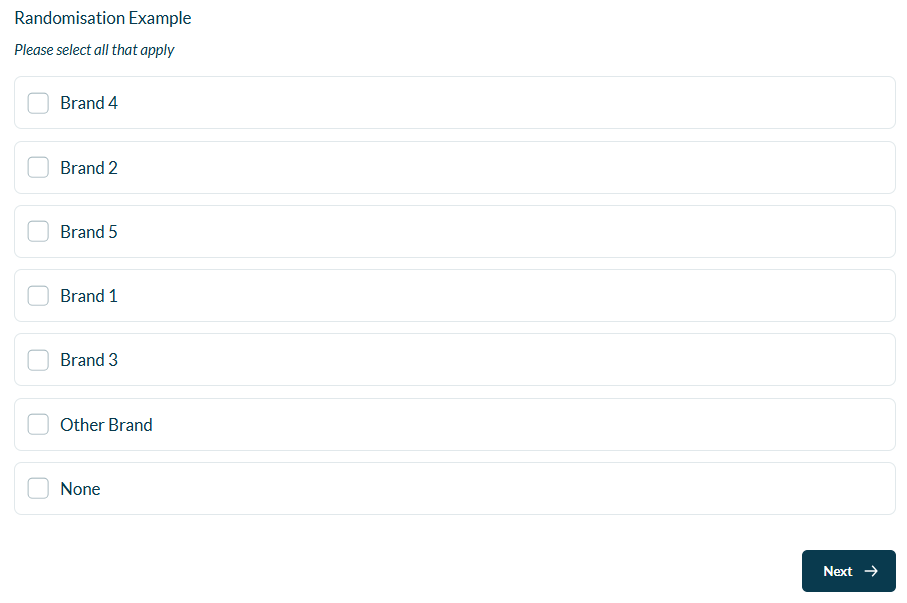
This example will randomise brands 1-5 together and keep "other brand" and "none" fixed at the bottom of the list.
By assigning a numeric value to "Synchronize" we can use this specific randomisation order for any subsequent questions that use the same list.
If you want the list to randomise differently each time, you can use the default value of 0 or assign another unique number.
You only need to enter the synchronisation number in the first row. More information can be found here.