You can also view this video: https://survey.walr.com/pXAMk7?qq=26
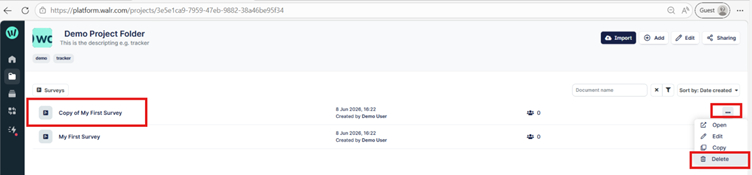
To delete a project, select the 3 dots and “delete”
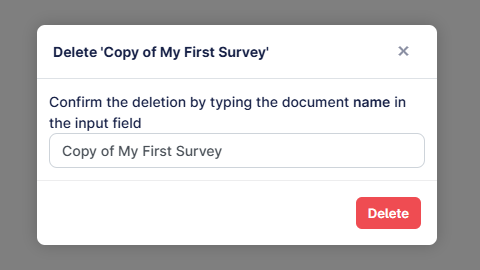
To confirm the deletion, you will have to type or paste the name of the project into the box:
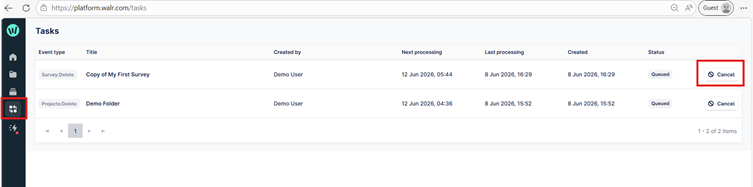
To recover a project, you can navigate to the Tasks option and cancel the scheduled task. Each is queued for 48 hrs before being actioned, after which they cannot be recovered.