
Sharing only Completed Ids:
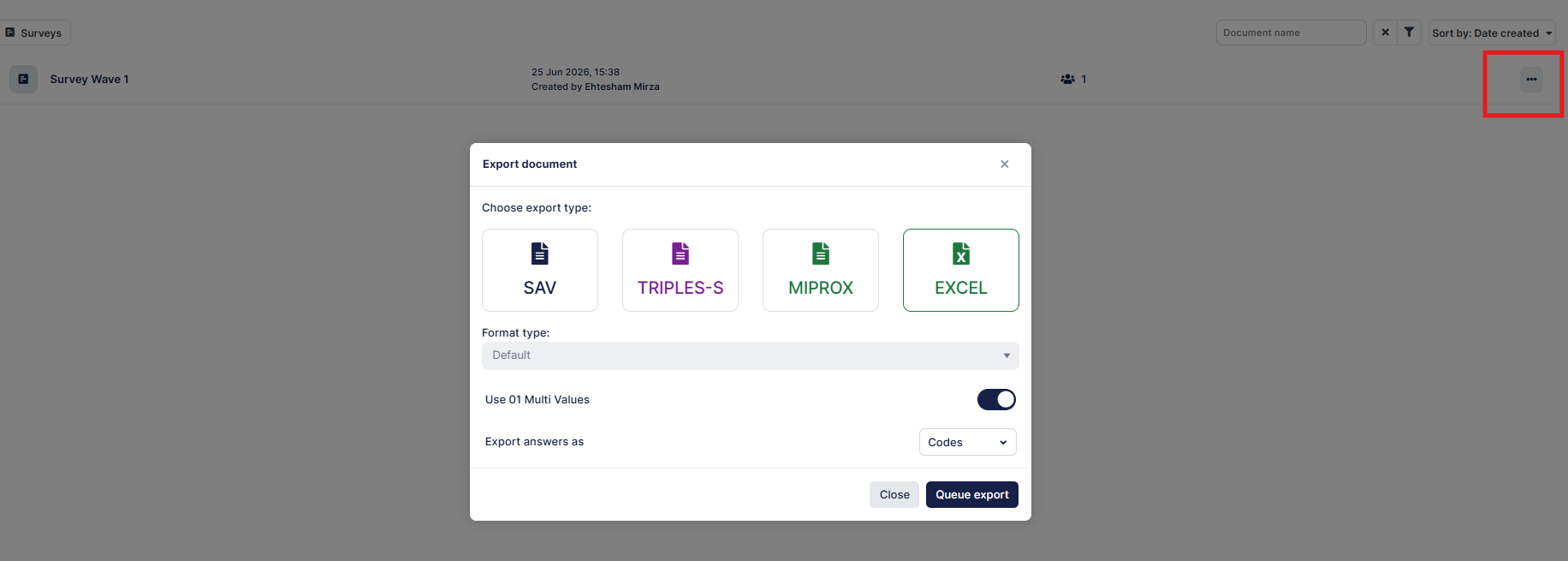
If you need to share only the complete Ids, you can click on the three dots for your Survey and click "export" - from there select Excel and open the file. This will have exported all the completed data only. You only need to share the column that contains your Id variable.
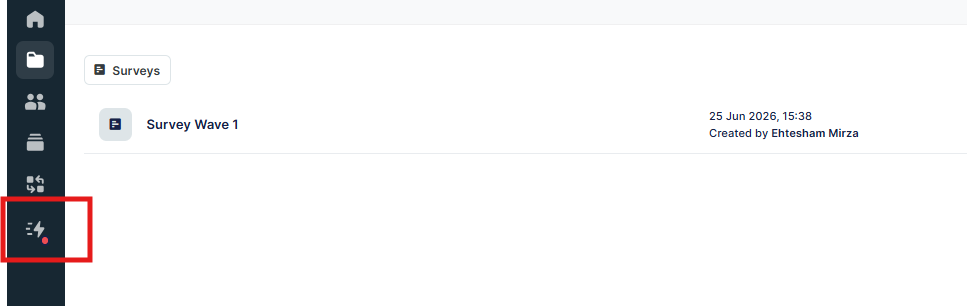
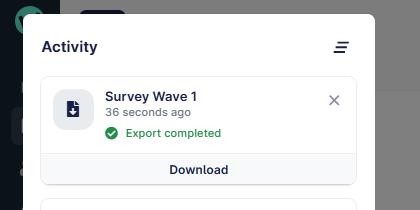
You can check the progress of the task or download the file from this menu option:
In this example we are using the "altid" variable to store the panellist id, and this is the column we would need to share in a separate excel file.
Note that this information is usually not PII so can be freely shared via email.
However, if you are using something that is identifiable, then you should always password protect the file before sharing.

Sharing all Ids:
If you need to share the status of all Ids, including terminates, you can create a dataset of all records and then share that in the same way above.
Please review this article to see how datasets are created.
Alternatively you can also use the data feature to select only the columns you want to output - more information can be found in this article. This option allows you to select only the id column and export that directly to Excel ready for sharing. You can do this with either a Survey or a created dataset.