
Survey Builder allows you to add custom JavaScript to your questions to affect the look and functionality.
** Important thing to note **
JavaScript cannot run on a page that has sys_range c set as the question will be answered without the JavaScript being actioned.
To ensure that it works correctly, you can hide the question contents via CSS, this will ensure that the respondent cannot see the question and navigation buttons and the JavaScript will execute.
#QUESTION_LABEL, .main-next-button, .main-back-button
{
display: none;
}
To use any of the examples in this section, or add your own, the JavaScript can be added as below:
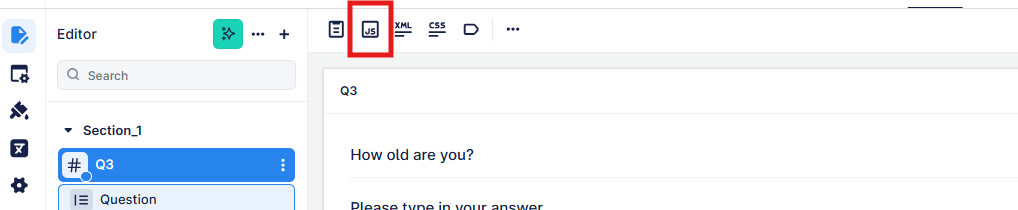
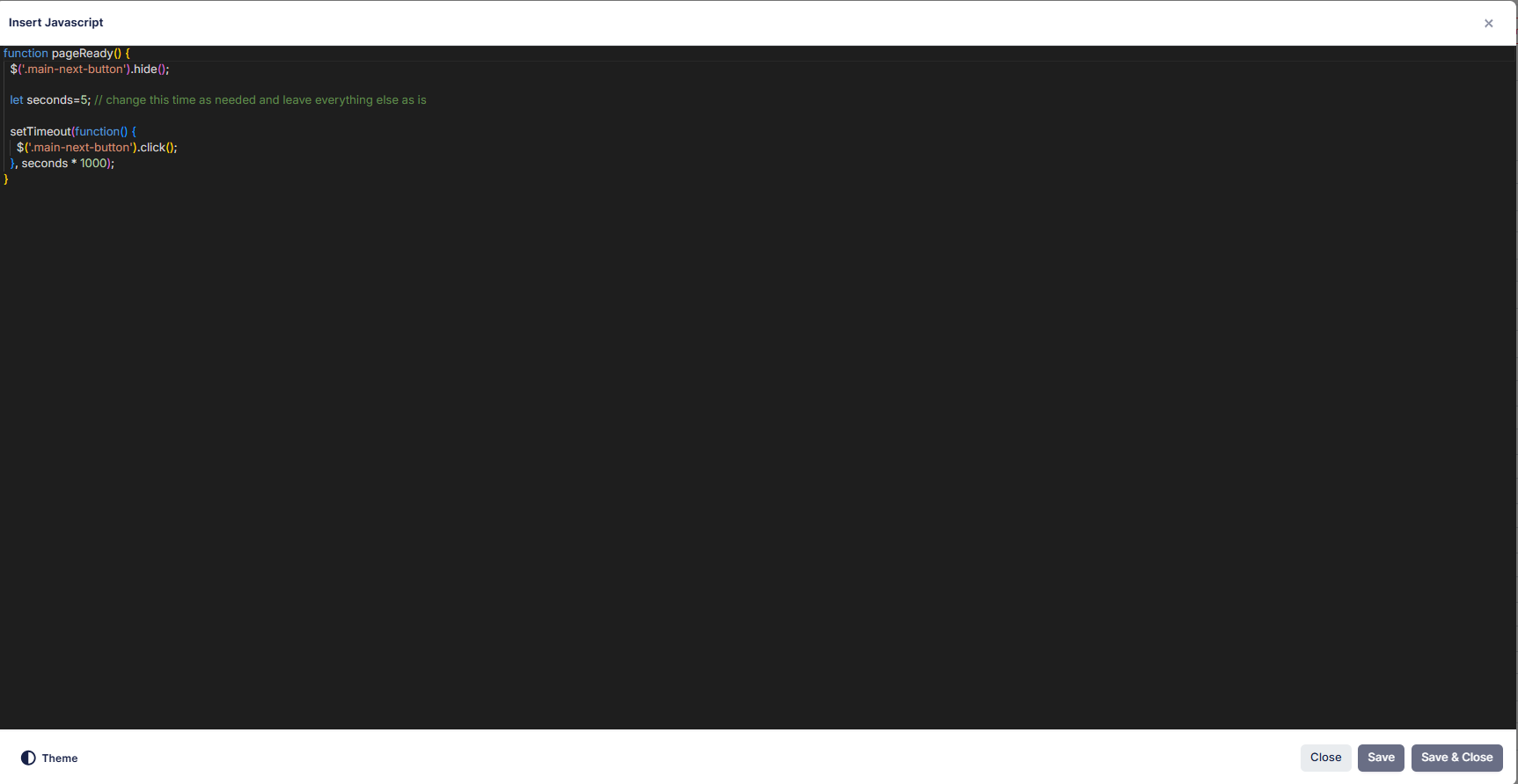
The Javascript should always be inside a pageReady() function as in the examples in theis section.