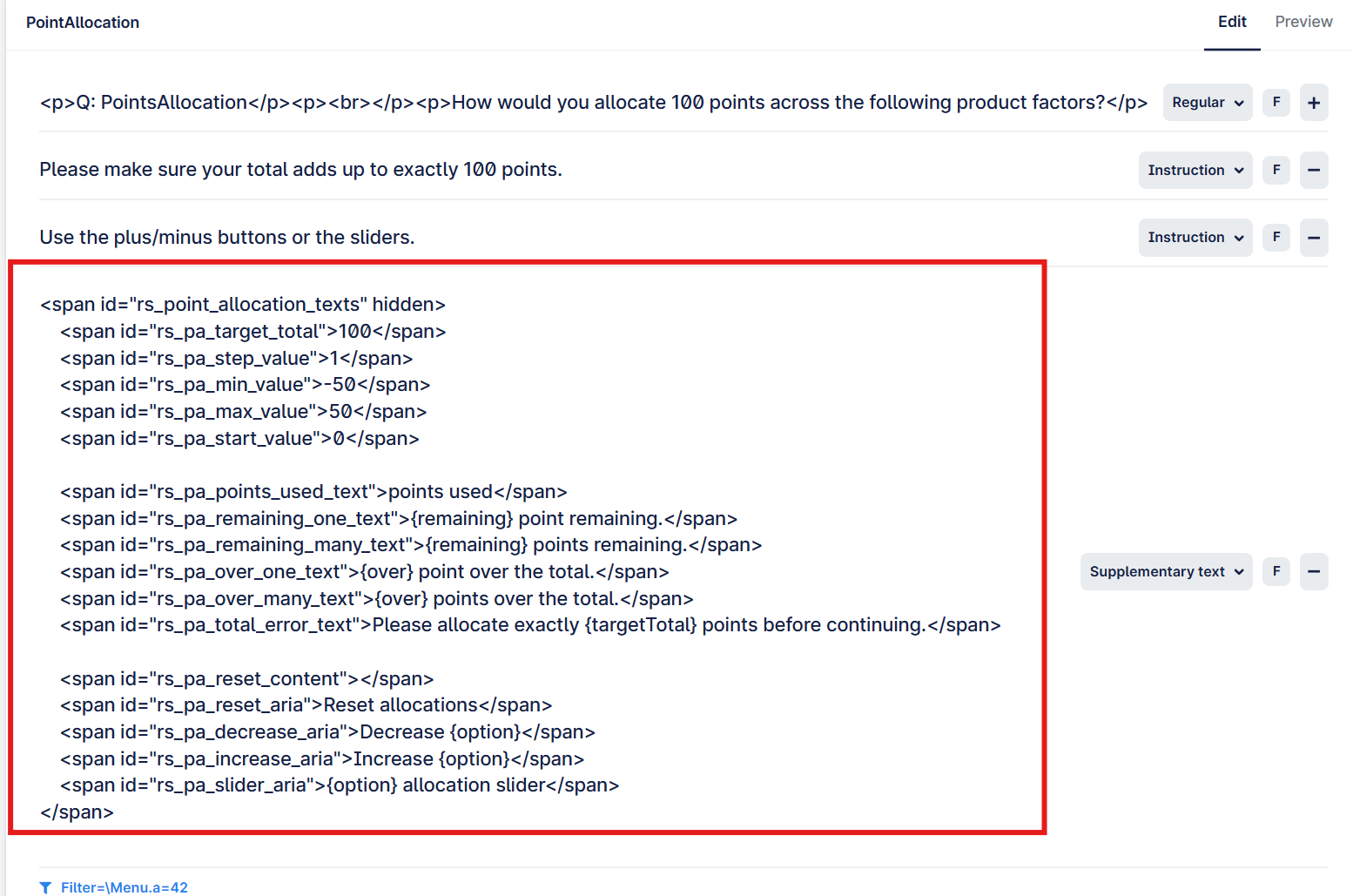
The recommendation is to always ensure that the text reads "Turn rich text on", which means that it is currently off. You can freely change the toggle as needed.
Rich text toggle can be found here:
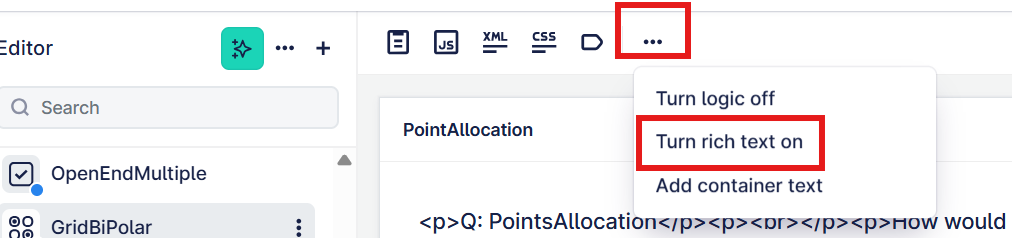
When Rich Text is set to ON, you will not see any HTML formatting on the page, instead you will see a bar popup, through which you can do various things that will write the HTML for you. This bar will affect the text or area that you have highlighted/clicked.
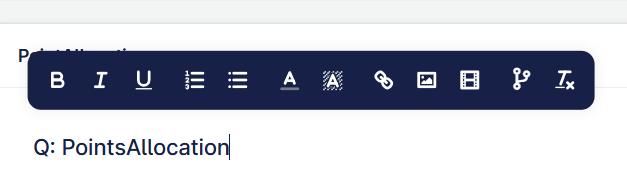
From left to right above:
- Set the text to bold
- Set the text to italic
- Add underline to the text
- Add an ordered/numbered bullet list
- Add an unordered bullet list (like this example)
- Change the text colour
- Change the text background colour
- Insert a link, this can be for e.g. terms and conditions
- Insert an image into the question or answer text (depends where you have clicked)
- Embed a video (it is easier if you use one of the video questions we have created)
- Add a reference, this is used for piping in responses from another question
- Clear the formatting from the current selection
With Rich Text set to ON, the Point Allocation question will look like this, which means you cannot edit some of the options.
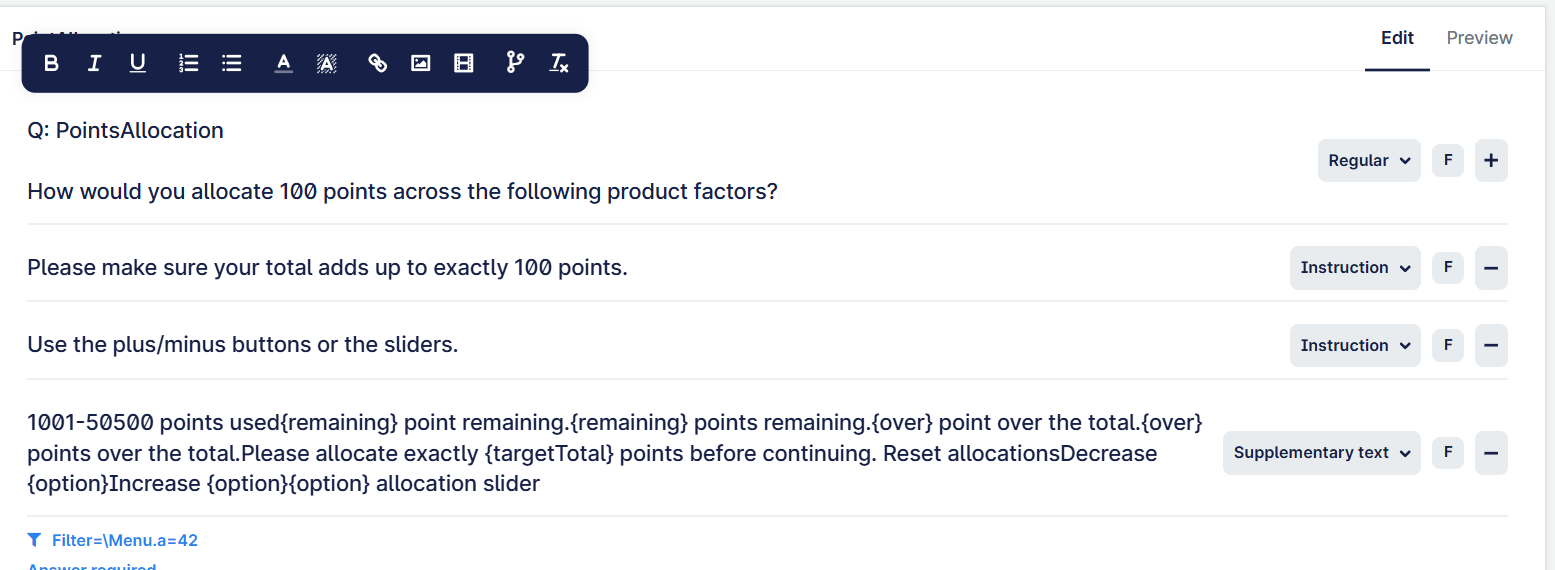
If you set Rich text to OFF, you will be able to see all the HTML and make edits much more easily: